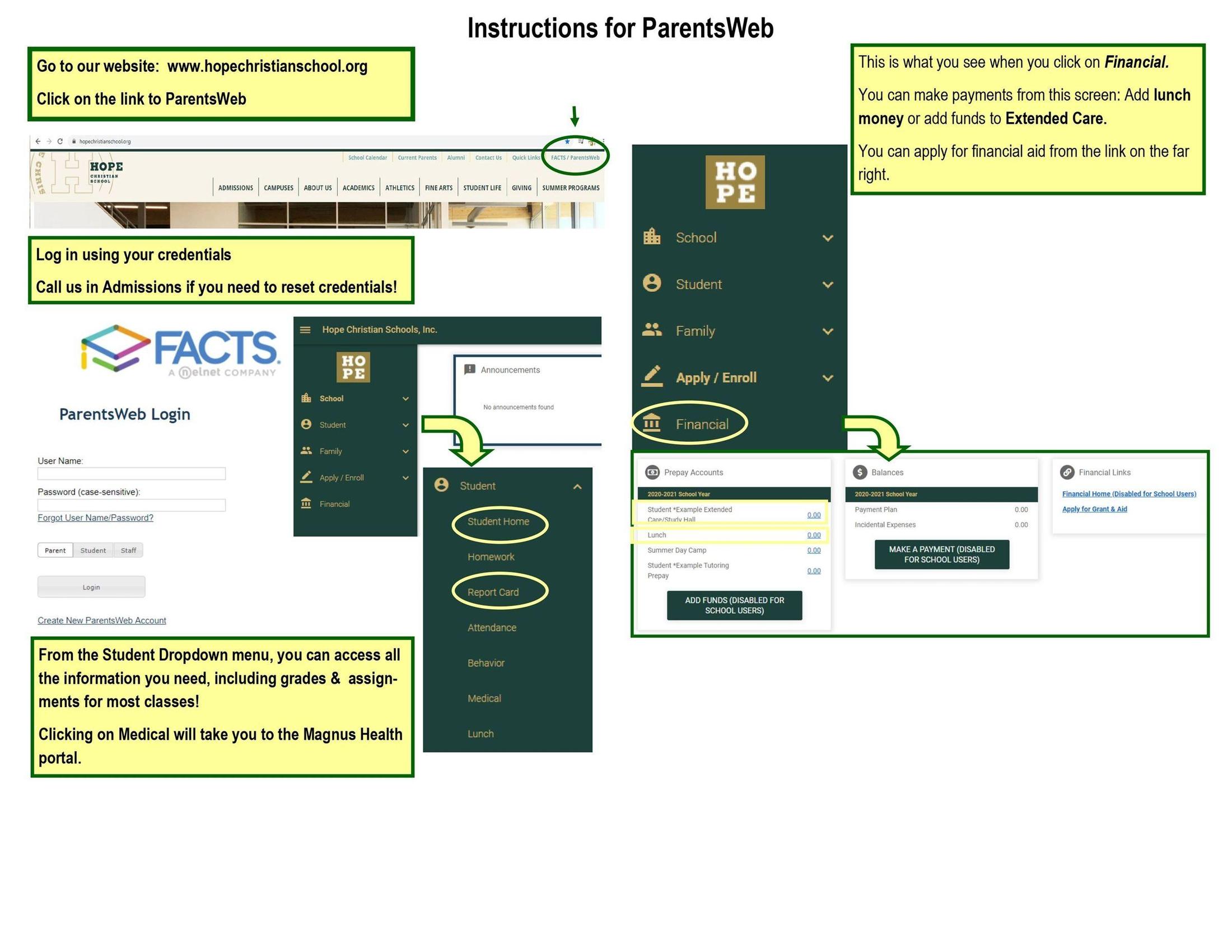
ParentsWeb / FACTS Family Portal
- Beginning May 6th, FACTS will begin requiring multi-factor authentication (MFA) for all non-student users when logging into your online account to access FACTS SIS.
- MFA will not be required for students to login to FACTS.
- FACTS recommends that all users utilize a free authenticator app, such as Authy, Microsoft Authenticator, or Google Authenticator, or receive an authentication email containing a unique code.
- Here's a helpful Instructional Video
- If you have any questions related to the process, please contact FACTS at 866.441.4637
Frequently Asked Questions
I'm having login issues, what should I do?
- Clear your browser cookies and cache.
- Log completely out of your account before trying again.
How do I change the MFA Method, Username, Email, or Authentication Questions?
You may update your MFA method:
- Sign in to Family Portal.
- Click on your initials.
- Select My Profile – Privacy.
Unfortunately, the Admissions Team will not be authorized to assist with MFA once it is set up, so please verify your credentials now.
If you still need assistance you may contact FACTS Payer and Applicant Services at 866-441-4637 for assistance.